100+ AI Sessions in One Week — Here Are the 4 That Actually Mattered
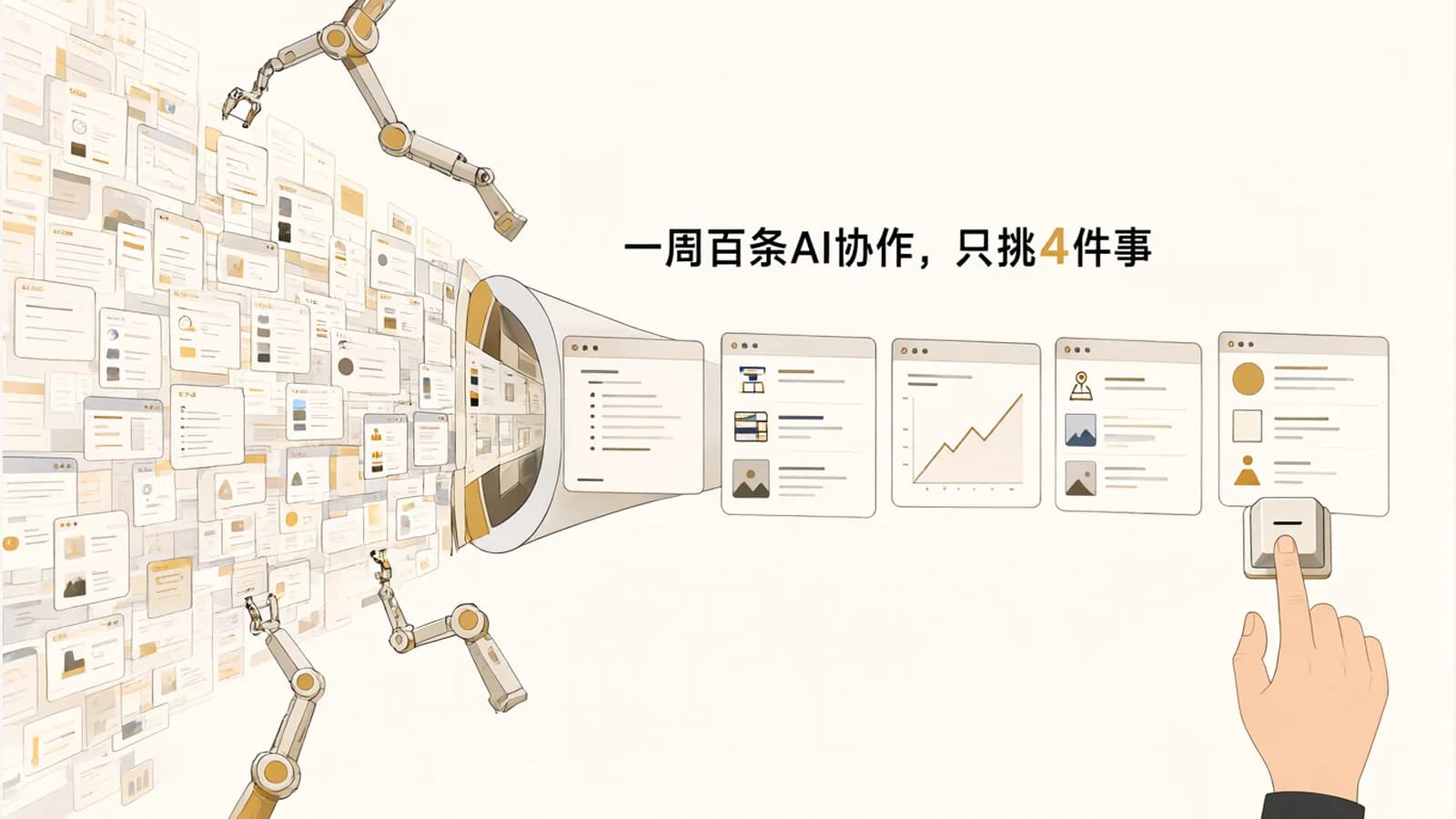
This week I went back through my log of work with AI: 100+ tasks, more than half on MakanCloud, and the rest split between my personal site, my content pipeline, and an old computer that keeps getting slower.
I'm not going to walk through all of them. I'll pick the 4 that actually solved real problems, and along the way share how I split the work between me and AI these days.
1. MakanCloud HR module: AI as the first line of security review
The HR module had built up a backlog of rules that needed a final call: permissions, who can see what on the dashboard, how to audit the opening data import, that kind of thing. This week I settled all of them in one go and handed them to AI to implement.
Once the code was done, I didn't ship right away. I had AI run a separate security review first, and it found 3 real issues: an old operation endpoint was still open; the field the dashboard uses to figure out who's viewing was optional, so requests got through without it; and when platform ops staff acted on a store's behalf, the system couldn't tell who actually did what.
None of these would ever come up in a demo, but once real stores are using it, they're problems waiting to happen. I fixed them before shipping.
The same week, I moved a batch of sensitive documents onto a separate encrypted attached volume. My rule before touching a server: take a snapshot first, and only after it's confirmed do I say "authorized to deploy." AI can help me plan and write the commands, but I'm the one who presses the confirm button.
2. Site deploys: a failed build shouldn't take the site down
My personal site used to have an annoying flaw: if the build failed on the server, the live site broke along with it.
This week I switched to building in a separate working directory and only switching over once the build succeeds. If it fails, the live version stays exactly as it was. Small change, but now "the deploy failed" and "the site is down" are two different things. While I was at it, I also updated the CI dependencies and the server ops runbook.
3. Daily briefing: learning to recover when the quota runs out
I have a pipeline that generates an investment briefing every day, with Claude doing the heavy lifting. The problem: once the quota runs out, that day's briefing just doesn't happen.
This week I added a few layers:
- Quality gate: if the content doesn't meet the bar, it doesn't go out. No padding with half-baked output.
- Per-market prefetching: if data for one market can't be fetched, the other markets aren't affected.
- Retries + fallback model: if the main model fails, retry first; if that still doesn't work, switch to a backup model.
- Delayed catch-up: once the quota resets, the late briefing gets published.
I also swapped the remaining old model IDs over to the new versions.
4. Buildlog illustrations are now generated locally
The buildlog posts on my site used to get their illustrations from a paid API. This week I switched to running an open-source image model locally on my Mac, called automatically by the pipeline. Lower cost, and no more API limits on image generation.
Bonus: letting AI fix a computer, and where it hits a wall
One of the computers at home kept getting slower. I had AI troubleshoot it step by step: check disk health first, back up the important data to a USB drive, then lower the system's swappiness and clean up startup apps.
The catch: AI can't type my password for commands that need sudo, so I had to run those myself in the terminal and hand it the output. Honestly, that's how it should be. When something touches the system, a human should be the one hitting Enter.
How I split the work with AI now
After this week, the division of labor is getting pretty clear:
- AI handles: proposing solutions, writing code, doing reviews, running repetitive troubleshooting;
- I handle: making the call on rules, taking snapshots before deploys, authorizing risky operations, deciding what happens when things fail.
AI lets me get a lot more done in a week, but what actually keeps things stable is still the same old habits: review first, snapshot first, always be able to roll back.
When you use AI for development or everyday work, what are your "a human has to hit Enter" rules? I'd love to hear about them in the comments.